

Add buttons on top of Pipe
Pipe buttons add a clickable button to the top of a pipe. The button can open a dropdown, a modal, or a sidebar — or simply link somewhere.
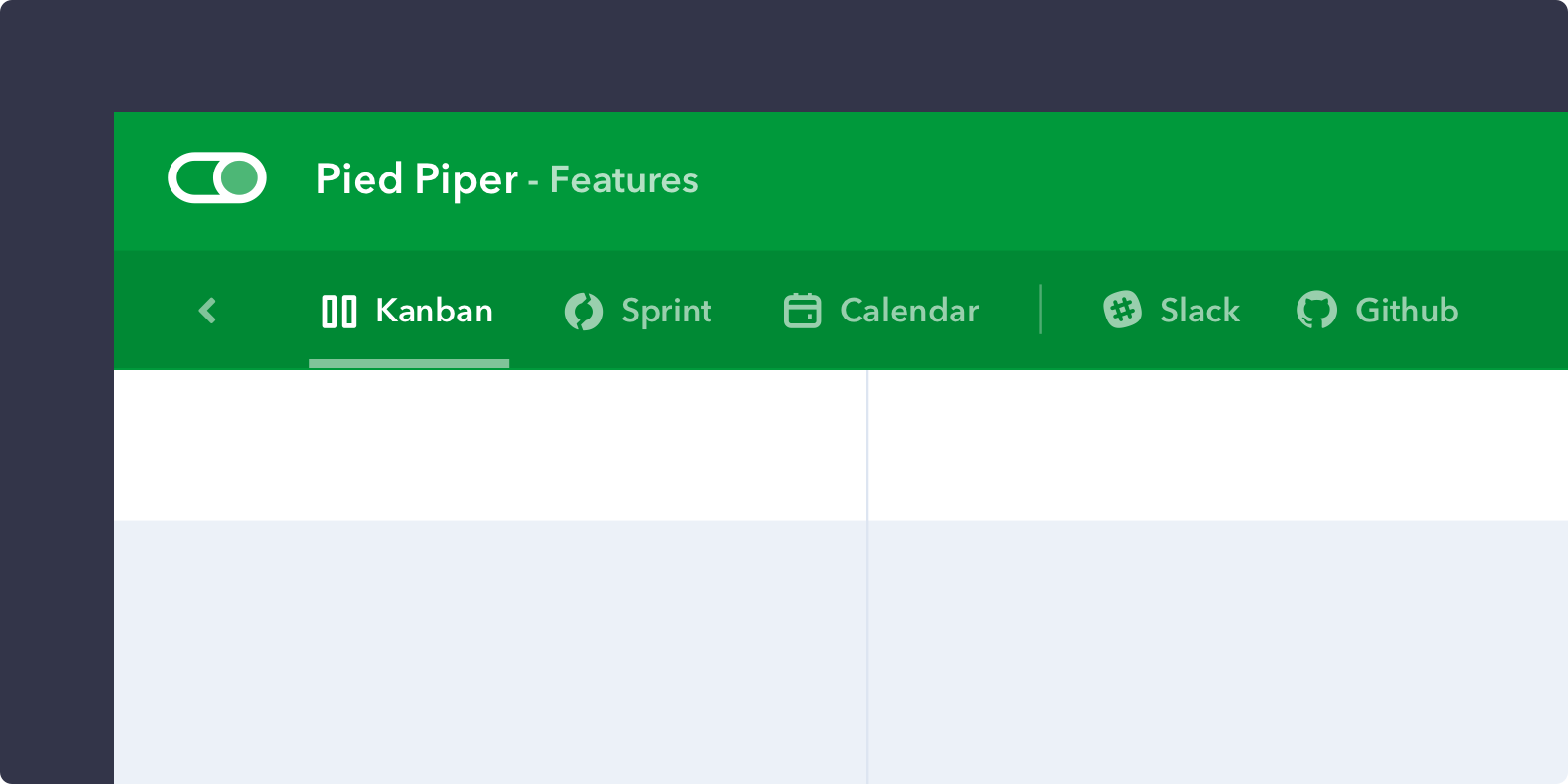
Slack and Github examples
How it works
Your pipe-buttons handler returns an array of buttons. Each button does one of two things:
callback— runs your function on click, which is how you open a dropdown, modal or sidebar.url— turns the button into a plain link. Use this when you just need to send the user somewhere.
Give a button one or the other, not both.
With a callback
'pipe-buttons': function(p, pipe) {
  return [
    {
      icon: './images/icon-white.svg', // SVG white icon path
      text: 'Sprint',
      callback: function(p) {

        // Call dropdown UI function on click
        p.dropdown({
          title: 'Sprint App',
          items: [
            {
              title: 'New Sprint',
              callback: function(p) {
                p.sidebar({ title: 'Sprint', url: './sprints/new' });
                p.closeDropdown();
              }
            }
          ]
        });

      },
    }
  ]
},
With a URL
The handler receives the pipe, so you can build a link that depends on it:
'pipe-buttons': function(p, pipe) {
  return [
    {
      icon: './images/icon-white.svg',
      text: 'Open video room',
      url: 'https://whereby.com/pipefy-pipe-' + pipe.id,
      target: '_blank'
    }
  ]
},
Receive
- p: Pipefy Client
- pipe: Pipe object
{ id: '23dfu', name: 'Hotdog app' }. Notepipe.idhere is the pipe's short ID, not the numeric ID the GraphQL API expects — see Make API calls.
Return
An array of button objects.
- icon: Icon path, resolved the same way as elsewhere — relative to your app's
init_url, or an absolutehttpURL. Give the SVG a #FFFFFF fill, since pipe buttons sit on a coloured header; Pipefy does not recolour it for you. - text: Button title
- callback: Function called when the user clicks the button. Receives the Client object.
- url: Open this URL instead of running a callback
- target: Standard HTML link target for
url—_blankto open a new tab,_selfto navigate in place. Defaults to_self. Note the leading underscore:blankwithout it is treated as a named window, not a new tab.
See also
- User Interface functions —
p.dropdown(),p.modal(),p.sidebar() - card-buttons — the same idea, scoped to a single card
- Sample Apps — working code