

Add a clickable button to an open card
Card buttons add a clickable button to the top of an open card. The button can open a dropdown, a modal, or a sidebar.
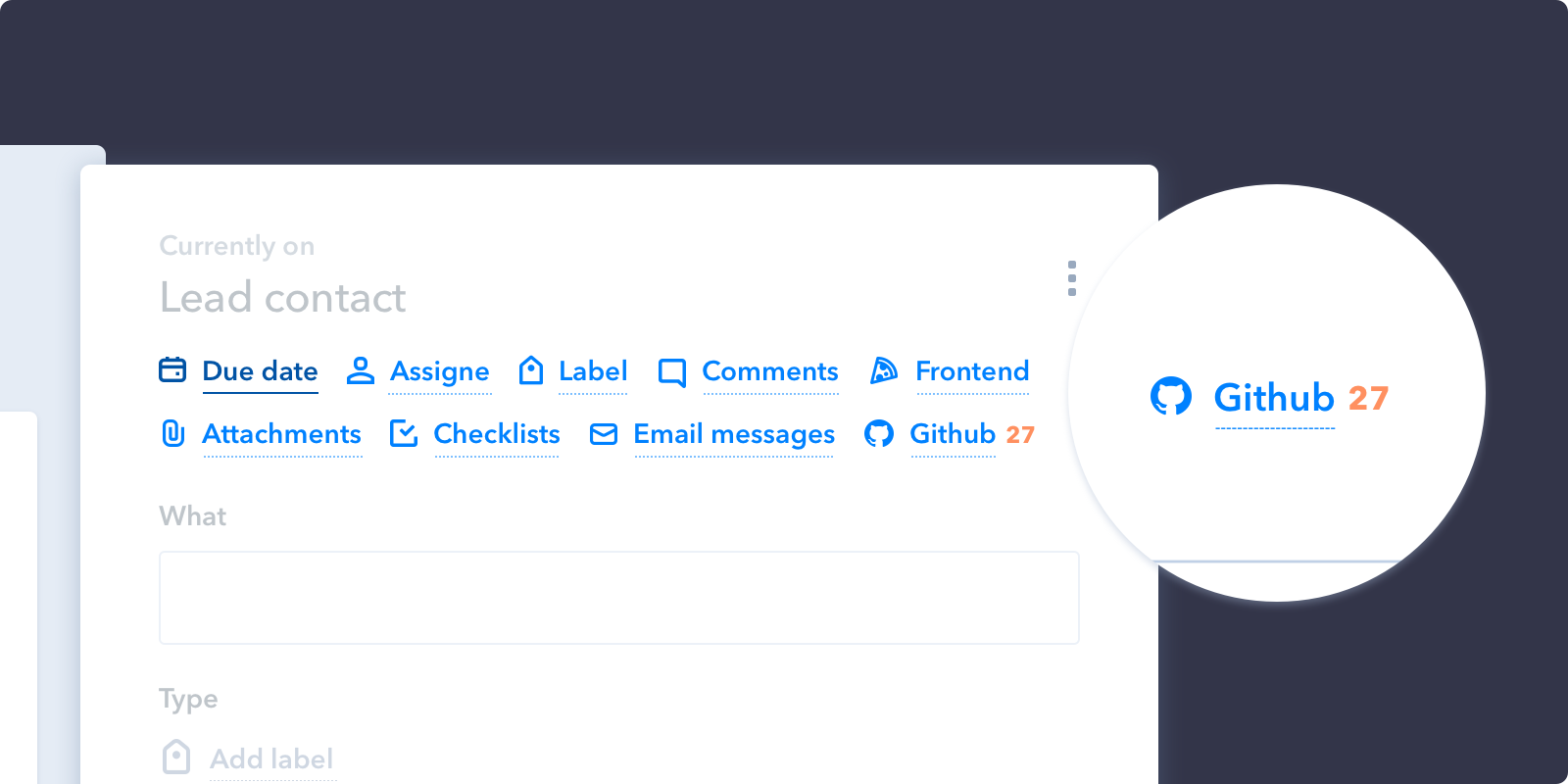
How it works
Your card-buttons handler returns an array of buttons. Each has an icon, a label, and a callback that runs when the user clicks it. The callback receives the client, which is how you open the UI you want:
'card-buttons': function(p, pipe) {
  return [
    {
      icon: './images/icon-blue.svg',
      text: 'Sprint',
      callback: function(p) {
        // Open dropdown when user clicks on button
        p.dropdown({
          title: 'Sprint App',
          items: [
            {
              title: 'Add to current sprint',
              callback: function(p) {
                p.closeDropdown();
                p.showNotification('Added to the sprint', 'success');
              }
            },
            {
              title: 'Open sprint details',
              callback: function(p) {
                p.modal({ url: './sprint.html', width: '70%', height: '70%' });
                p.closeDropdown();
              }
            }
          ]
        });
      },
    }
  ]
}
The full set of things a callback can open — dropdowns, modals, sidebars, search panels and notifications — is documented in User Interface functions.
Receive
- p: Pipefy Client
- pipe: Pipe object
{ id: '23dfu', name: 'Hotdog app' }
The handler itself only receives the pipe, not the card. To read the card the button was clicked on, call p.card() inside your callback:
callback: function(p) {
  p.card().then(function(card) {
    p.showNotification('Clicked on ' + card.title, 'success');
  });
}
Return
An array of button objects.
- icon: Icon path. Relative paths (with or without a leading
./) resolve against your app'sinit_url; anything starting withhttpis used as-is. Give the SVG a fill of #0081FF so it matches Pipefy's other card icons — your file is embedded as-is and is not recoloured. - text: Button name
- callback: Function executed when the user clicks the button. Receives the Client object.
See also
- User Interface functions —
p.dropdown(),p.modal(),p.sidebar() - Get Pipefy data — reading the current card
- Sample Apps — working code