

Indicators your app adds to cards on the board
Card badges are small indicators your app adds to cards on the Kanban board, so a user can see your app's status without opening the card.
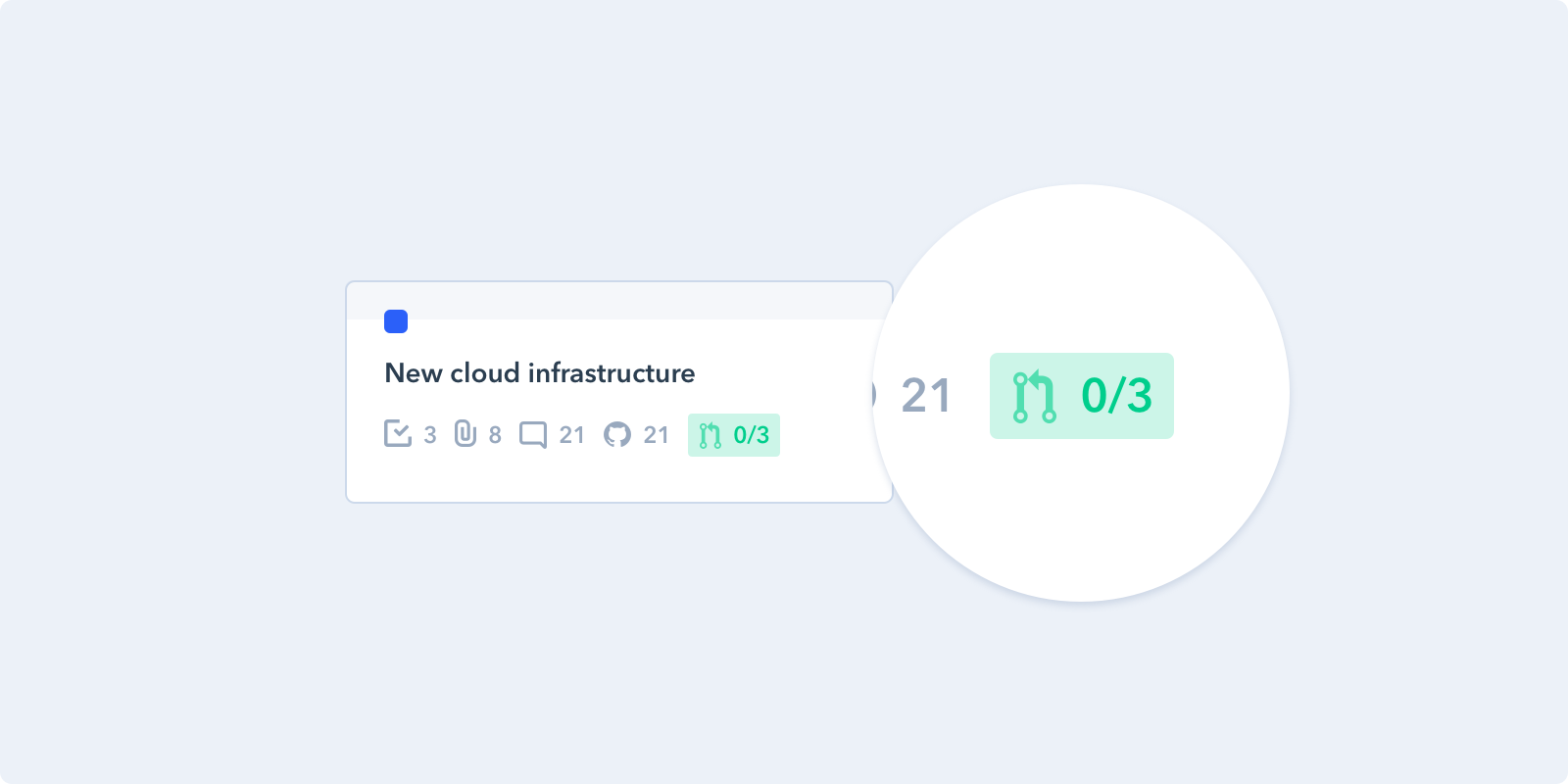
A GitHub app showing the number of attached pull requests
How it works
Your card-badges handler returns an array of badges. There are two kinds:
- Fixed — you compute the badge's text and icon up front from the card already in context. Cheapest; use it whenever the data you need is already there.
- Live — you return a function that resolves a badge asynchronously, and Pipefy re-runs it on an interval. Use it when you need to fetch other card data, call an external API, or keep the badge current.
Return null from a live badge to render nothing for that card.
var ICON_GRAY = './images/icon-gray.svg';

var getCountBadge = function(p, context){
  return new Promise(function(resolve) {
    p.cardAttachments().then(function(attachments) {
      var claimed = attachments.filter(function(attachment){
        return attachment.url.indexOf('https://github.com') === 0;
      });

      if (claimed && claimed.length) {
        resolve({
          text: claimed.length,
          icon: ICON_GRAY,
          title: claimed.length + " Github PRs attached to this card",
        })
      } else {
        // Nothing to show on this card
        resolve(null)
      }
    });
  });
};

PipefyApp.initCall({
  'card-badges': function(p, context){
      return [
        // Sample Live Badge
        {
          live: getCountBadge,
          refreshInterval: 20,
        },
        // Sample Fixed Badge
        {
          text: context.card.current_phase.name,
          icon: ICON_GRAY,
          title: 'Sample fixed badge',
        },
        // Sample Fixed Badge with a background colour
        {
          text: 'Blocked',
          color: 'red',
          title: 'This card is blocked by an external dependency',
        }
      ];
  },
});
Receive
- p: Pipefy Client
- context: Object with Pipe and Card. See Get Pipefy data for the full card shape.
{
  "pipe": { "id": "23dfu", "name": "Hotdog app" },
  "card": {
    "id": "233dfd",
    "title": "Build iOS App",
    "due_date": "2026-03-01T12:00:00+00:00",
    "labels": [],
    "assignees": []
  }
}
Return
An array of card badge objects.
Live
- live: A function receiving
(p, context). Returns aPromisethat resolves to a badge object using the same options as a fixed badge, or tonullto render nothing. - refreshInterval: How often to re-run the
livefunction, in seconds. Minimum 20.
A
refreshIntervalunder 20 disables refreshing entirelyValues below 20 are not clamped up to 20 — the interval is simply never registered, so your
livefunction runs once and never again. OmittingrefreshIntervalhas the same effect. If you want periodic refresh, pass 20 or more.
Independently of the interval, Pipefy re-runs your live function whenever the card itself changes, so a badge stays current on edits without a short interval.
Because the live function runs on every visible card, keep it cheap. Batch or cache external calls where you can, and always resolve — a live badge renders nothing until its promise settles, so one that never settles leaves the badge permanently absent.
Fixed
- text: Text displayed inside the badge. Required — a badge without
textrenders nothing at all, even if it has aniconorcolor. - icon: SVG relative path or full URL. Relative paths resolve against your app's
init_url; anything starting withhttpis used as-is. Give the SVG a fill of #9AAABE so it matches the board's other icons — Pipefy embeds your file as-is and does not recolour it. - color: Background colour. One of
red,yellow,green,blue. Any other value is ignored and the badge renders unstyled. - title: Tooltip text shown when the user hovers the badge
See also
- Get Pipefy data — the card and pipe shapes, and
p.cardAttachments() - Custom App Data — attaching the links a badge counts
- Sample Apps — working code